












Custom training and orientations, built for your work
Generic training only goes so far. We build online courses and orientations about your own sites, procedures and equipment, to the same standard as our TruStar Safety Academy courses: narrated, hands-on, accessible, and tracked from the first screen to the certificate.
CHSC · GSC (Gold Seal) · NCSO · ACSA Peer Auditor
Built the way our Academy courses are built
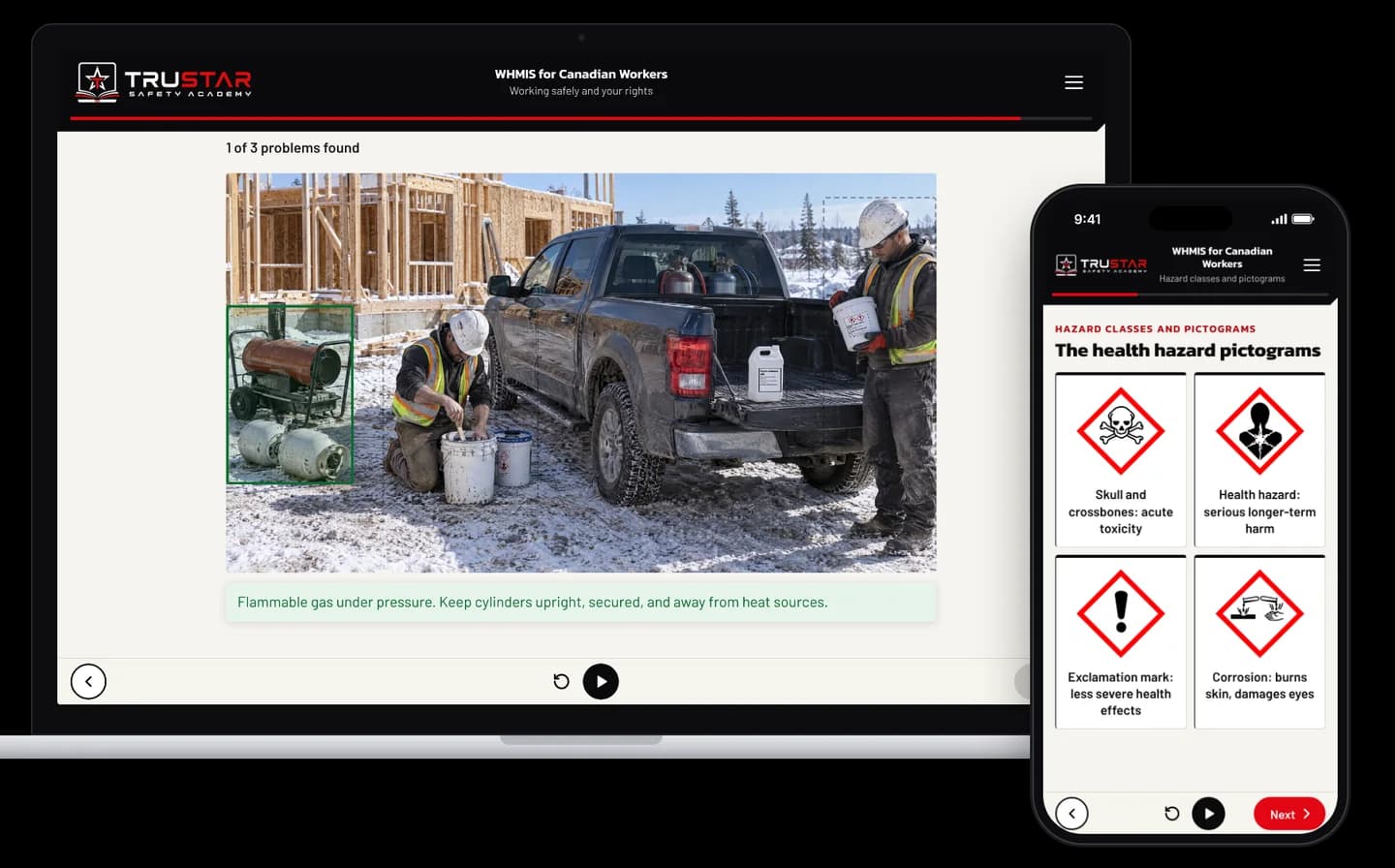
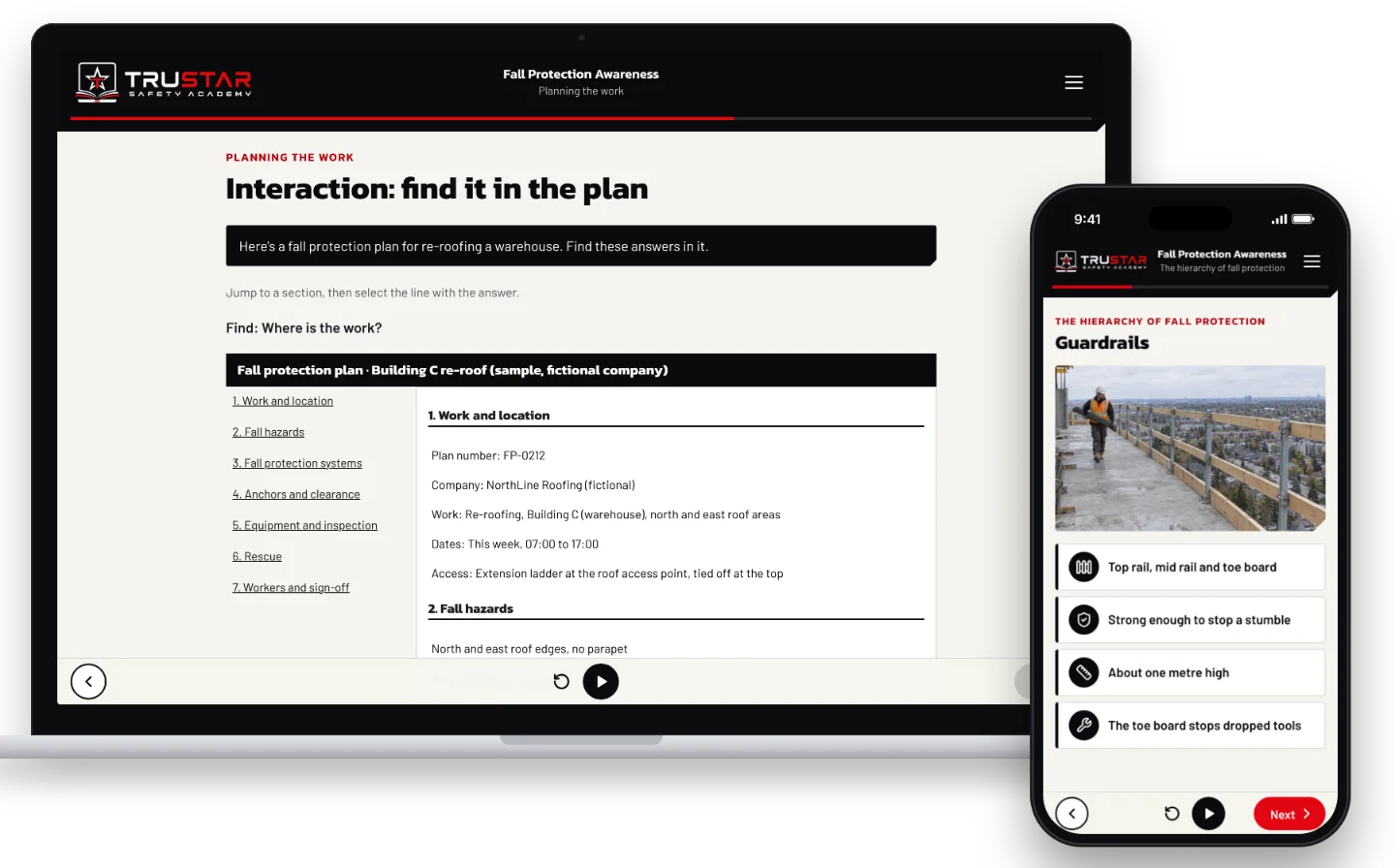
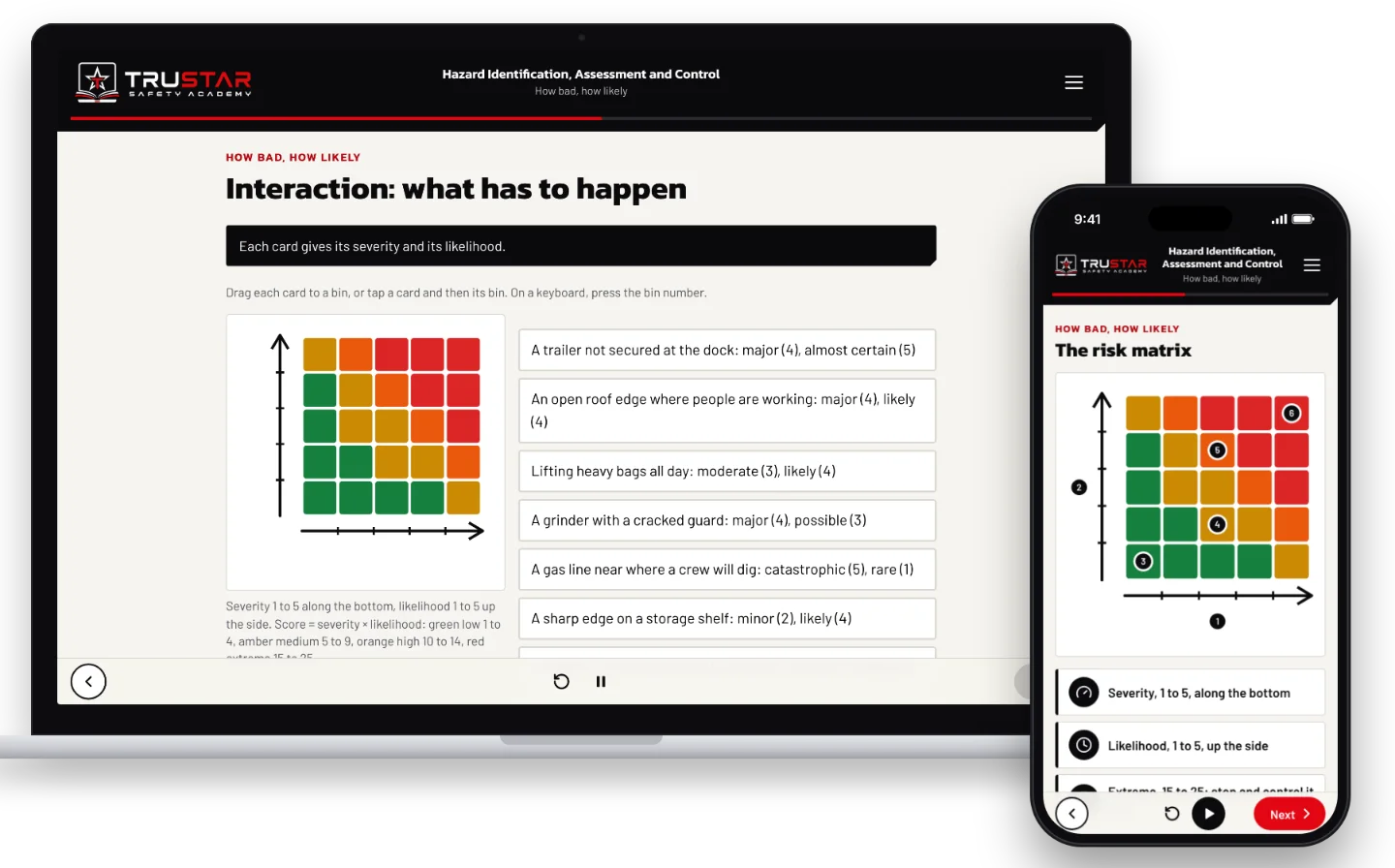
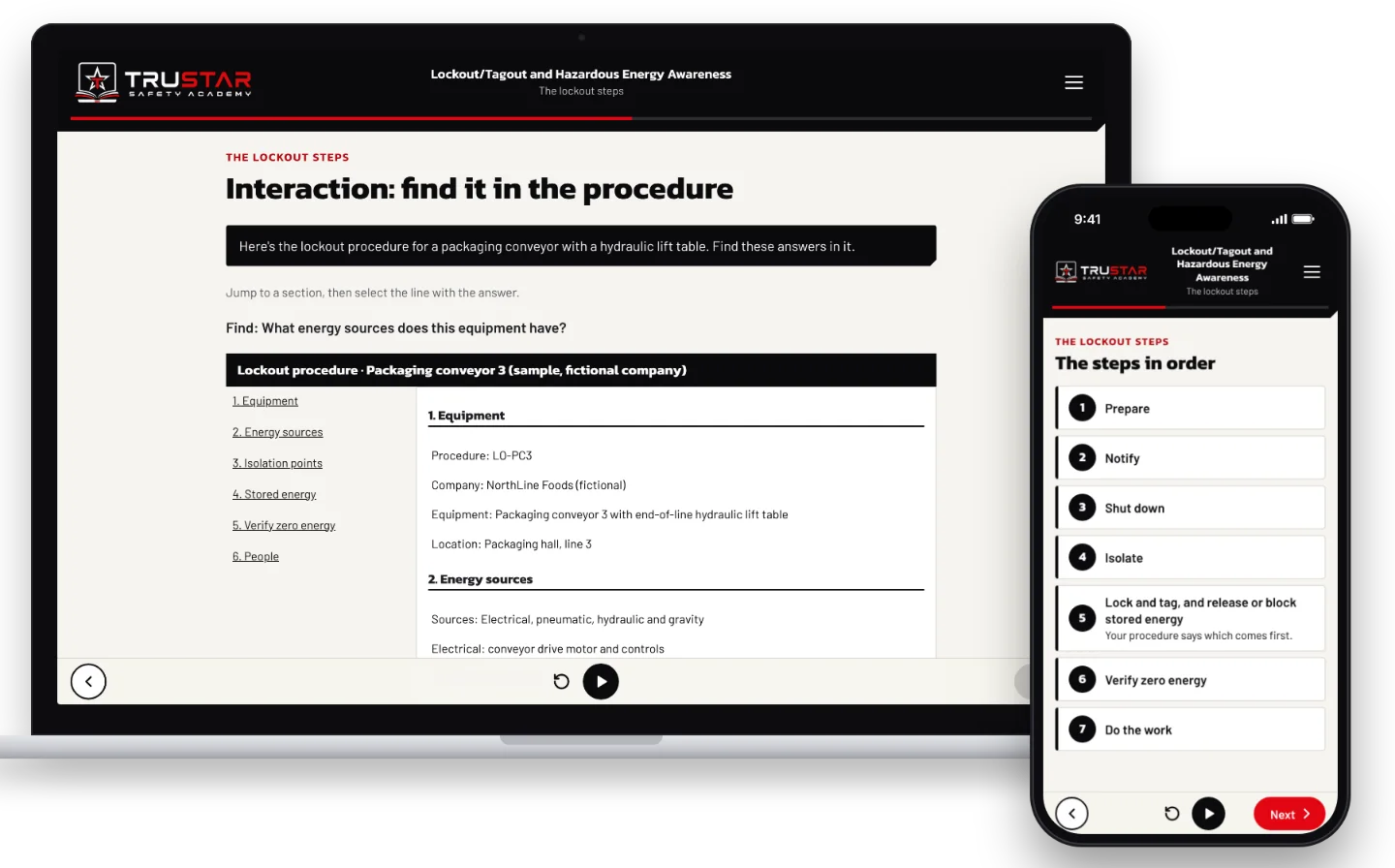
Every course we make follows the same approach as TruStar Safety Academy: a script and question bank you approve first, professional narration with captions and a transcript, a picture on every screen, and the key points written out beside it. Learners do things rather than read slides: they spot hazards in a scene, find answers on a real document, sort and rank, and make the calls in realistic situations.
Orientations workers finish before day one
Site, company and contractor orientations that new workers complete on a phone or a computer before they arrive, covering your rules, hazards, emergency procedures and expectations. Your supervisors spend the first morning on the site walk and the practical parts, not reading policy aloud.
Your procedures, your documents, your sites
We work from your safety program, procedures, forms and photos of your work, so the course shows your equipment and your paperwork. Where a picture cannot show an idea, we draw a diagram. Labels and documents that workers must read are set as real text, never generated.
Delivered and tracked wherever you need it
Courses run in TruStar Connect, where they can be required by position or project and the certificate lands on the training matrix on a pass, or we package them as SCORM for the learning system you already use. Exams draw from a question bank, so a retake is a fresh paper.
Who calls us for this
- Employers who want every new hire through the same orientation before their first shift
- Owners and prime contractors who need a contractor orientation for their sites
- Companies with procedures, equipment or hazards no off-the-shelf course covers
- Training teams with classroom material they want online and tracked
Examples from TruStar Safety Academy
Real screens from courses we built. Custom courses are made the same way, about your work.
How it works
Step 1
Scope
What the course must cover, who takes it and where it will run.
Step 2
Script and questions
You review and approve the script and the question bank before anything is built.
Step 3
Build
Narration, pictures, diagrams and interactions, previewed on a phone and a laptop.
Step 4
Launch
Delivered in Connect or as a SCORM package, tested end to end with you.
What you have at the end
- An approved script and question bank you own
- A narrated, interactive course with captions and a transcript
- A certificate on a pass, recorded in Connect or your own system
- A course that can be updated when your procedures change
Questions
Can we see examples of your courses?
Yes. Our TruStar Safety Academy courses, such as WHMIS, H2S, confined space, fall protection, lockout and hazard identification, are built the same way, and each course page shows real screens from it. A custom course follows the same approach with your content.
Where do the courses run?
In TruStar Connect, where they can be required by position or project and certificates go on the training matrix, or as a SCORM package for your own learning management system.
Does an online orientation replace the site walk?
No. It covers what can be learned on a screen so the time on site goes to the walk-around, the practical parts and the questions. Hands-on skills and practical evaluations stay with your supervisors and trainers.
Are the courses accessible?
Yes. Our courses are built to WCAG 2.2 AA: captions and a transcript, keyboard access, large touch targets and reduced motion.
Who owns the course?
The script, question bank and course content written for you are yours. We agree the details, including updates, in the proposal.
Related services
Tell us about your operations
We will tell you honestly what you need, and what you do not.